Turn AI chats into business-ready DOCX and PDF documents
One-click professional output. No copy-paste, no broken formatting, no manual cleanup.
- Publication-grade formatting
- Tables and formulas preserved
- Ready for reports, documentation and client work
Works with Chrome, Edge, Firefox and Opera. Free monthly export credits included.
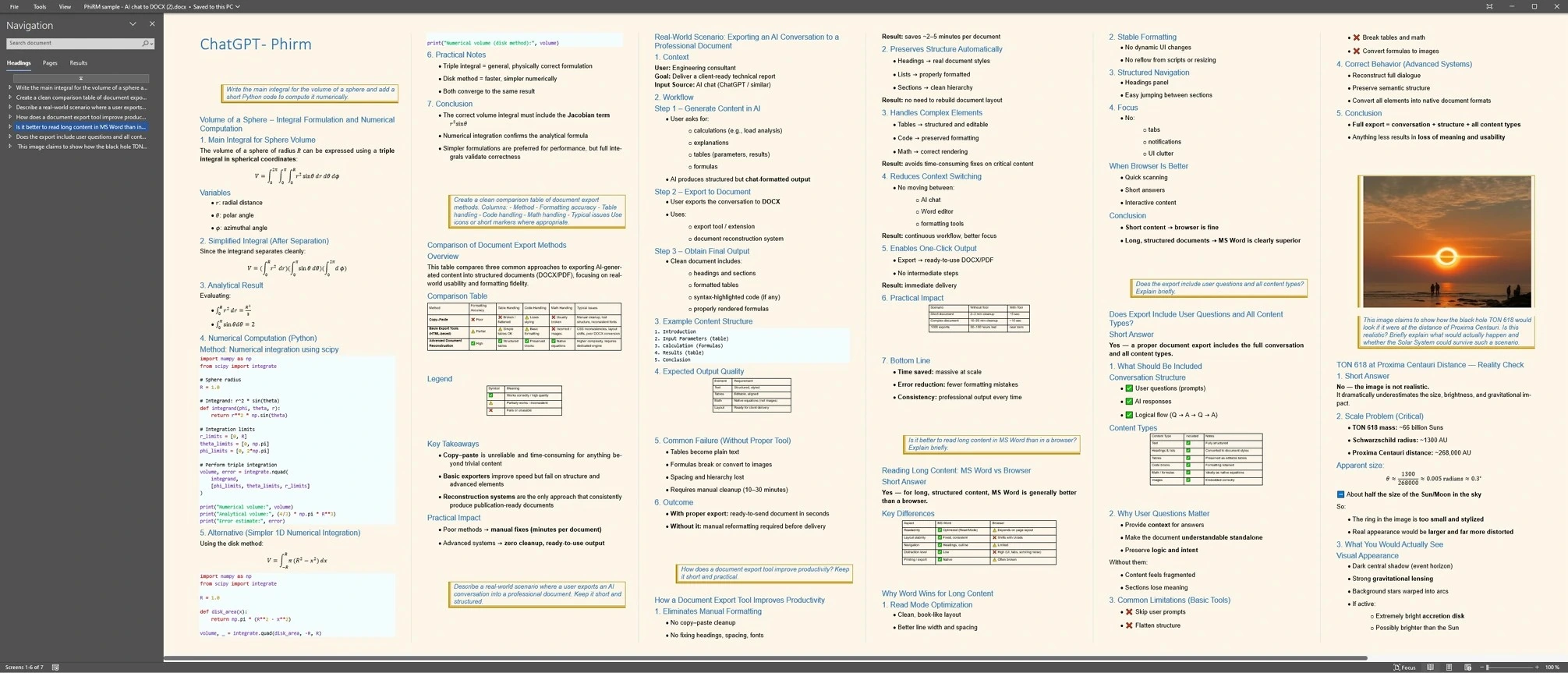
Image credit: NASA’s Goddard Space Flight Center/Jeremy Schnittman, 2019
Publication-grade document reconstruction
Save hours of manual cleanup
Even a short AI chat can take around two minutes to clean up manually before it becomes a usable document.
Across 1,000 exports, that can add up to 30+ hours saved. Complex chats can save even more.
Why PhiRM is different
Professional trust
- EU-based company
- GDPR-ready processing
- Minimal extension permissions
- No long-term conversation retention
- Transparent company details
Publication-grade accuracy
- Preserves supported formulas and images
- Structured tables, headings and lists
- Consistent paragraph styling
Read Mode first
- Optimized for Microsoft Word Read Mode
- Compact layout for longer chat threads
- Readable document structure
Easy keyboard workflow
- Keyboard-first navigation
- Navigate ChatGPT threads with the keyboard
- Less switching to the mouse
Stay in flow while navigating
Use keyboard shortcuts to move through ChatGPT threads even while the cursor is in the input box. You stay focused on the conversation instead of reaching for the mouse.
Ctrl+Alt+ ⇧ / ⇩
Go to the previous or next question in the thread
Ctrl+Alt+ ⇨
Copy the selected question
Ctrl+Alt+ PgUp / PgDn
Move one page up or down in the thread
Ctrl+Alt+ Home / End
Scroll to the first / last question in the thread
Shortcuts keep working while the text cursor is active in the ChatGPT input box, reducing mouse switching.
Copy-paste vs PhiRM reconstruction
Copy-paste often loses formulas, tables, images and document structure. PhiRM reconstructs AI chat output into clean DOCX and PDF documents built for reports, documentation and client work.
Copy-paste output
Copied AI output often becomes a flat, messy document that still needs manual cleanup.
- Broken tables and formulas
- Images and visual content can be lost or distorted
- Browser clutter can leak into the document
- Missing Word structure, headings and navigation
- Exhausting cleanup before use
PhiRM reconstruction
PhiRM rebuilds the conversation into a structured, readable document with preserved layout and export-ready formatting.
- Clean DOCX/PDF output
- Preserved tables, formulas and images
- Structured headings and document navigation
- Readable in Microsoft Word
- Ready for reports, documentation and client work
Pricing for business-ready AI documents
Turn AI output into clean DOCX and PDF documents with publication-grade formatting.
- Clean DOCX / PDF
- Tables and formulas preserved
- Ready for reports, documentation and client work
Prices shown excl. VAT. Taxes are calculated by Paddle at checkout.
Start here
Member
Start exporting AI chats without a subscription.
Free monthly export credits
- Free monthly export credits
- DOCX and PDF support
- Good for testing real output quality
One-time credits
Starter credits
100 exports
€14.99 excl. VAT
For occasional exports and testing PhiRM in real work.
- Pay once, no subscription
- Credits remain valid for 2 years after your most recent credit purchase.
- One successful DOCX or PDF generation = 1 export
Regular credits
500 exports
€69.00 excl. VAT
Practical pack for regular users.
- Pay once, no subscription
- Lower cost per export
- Credits remain valid for 2 years after your most recent credit purchase.
Power user credits
1,000 exports
€119.00 excl. VAT
For users who turn AI output into real documents regularly.
- Best credit value for individuals
- Pay once, no subscription
- Credits remain valid for 2 years after your most recent credit purchase.
Subscriptions
Pro Monthly
€19.90 / month excl. VAT
Priority exports for frequent personal use.
- Priority export processing
- Built for frequent personal use
- Subject to fair use
- Cancel renewal anytime
Pro Yearly
€149.00 / year excl. VAT
Best for ongoing personal use.
- Same Pro benefits
- Lower yearly cost than paying monthly
- Good for frequent personal use
- Subject to fair use
- Cancel renewal anytime
Company billing
Teams & Companies
Shared company credits and optional Pro seats
Create a company workspace first, then manage shared company credits and optional Pro seats from the billing dashboard.
- Central billing
- Company-managed users
- Shared company credits
- Optional Pro seats
- Admin control for teams
How PhiRM works
Install the browser extension
Open the PhiRM toolbar alongside your ChatGPT conversation on desktop.
Important: The PhiRM toolbar appears only when a single AI conversation is open, not on the project overview or conversation list.
Chat as usual
Ask questions, write code, and work with formulas, tables or long explanations as usual.
Export a ready-to-read document
Export the thread to a DOCX or PDF file with one click or a keyboard shortcut.
FAQ
How long do export credits remain valid?
Export credits remain valid for 2 years after your most recent credit purchase. Each new credit purchase refreshes the validity of your full remaining credit balance for another 2 years.
Can I use PhiRM on mobile?
PhiRM is built for desktop use and optimized for Microsoft Word on desktop. Mobile use is not currently the primary supported workflow.
Do you store my ChatGPT conversations on your servers?
We temporarily process your conversation to generate DOCX and PDF files. Documents and intermediate data are kept only as long as necessary for conversion and delivery, then regularly cleaned up. We do not use your content to train any models.
How does the Member plan work?
On the Member plan, your account receives 4 free export credits per calendar month. These free credits are added after your first login or export activity in that month. If you have no free or purchased credits left, further exports require either a Pro subscription or additional export credits.
What counts as one export?
Each successful full document generation counts as one export. Exporting a chat thread to DOCX is one export, and exporting the same thread to PDF is another export. Short and long threads are treated the same, because PhiRM always runs the full formatting pipeline. If your account is in Credits mode, one successful export consumes one credit. If you have an active Pro subscription, exports do not consume credits.
Can I use PhiRM in a class or a team?
Yes, but shared use should go through a company workspace. PhiRM now supports company-managed accounts with central billing, admin control, shared company credits and optional Pro seats. Personal Pro plans are meant for one user account, not for shared team access.
Will my formulas work in Word?
Yes. PhiRM exports formulas so they remain readable and usable in DOCX and in PDF. The engine is tuned for Microsoft Word on desktop and Word Read Mode, with fallbacks when a client does not support modern equation rendering.
Can I cancel my Pro subscription?
Yes. You can cancel any time. You keep access until the end of the current billing period, and you will not be charged again afterwards.
Why are some images missing in the exported document?
If a chat contains images, wait until they are fully visible before exporting. Starting export immediately after opening a chat may cause some images not to be included.
Explore PhiRM workflows
Export AI chats for real document work
Focused pages for common AI chat export workflows.